

Help / Member Guide / Find something
Understanding a campaign page
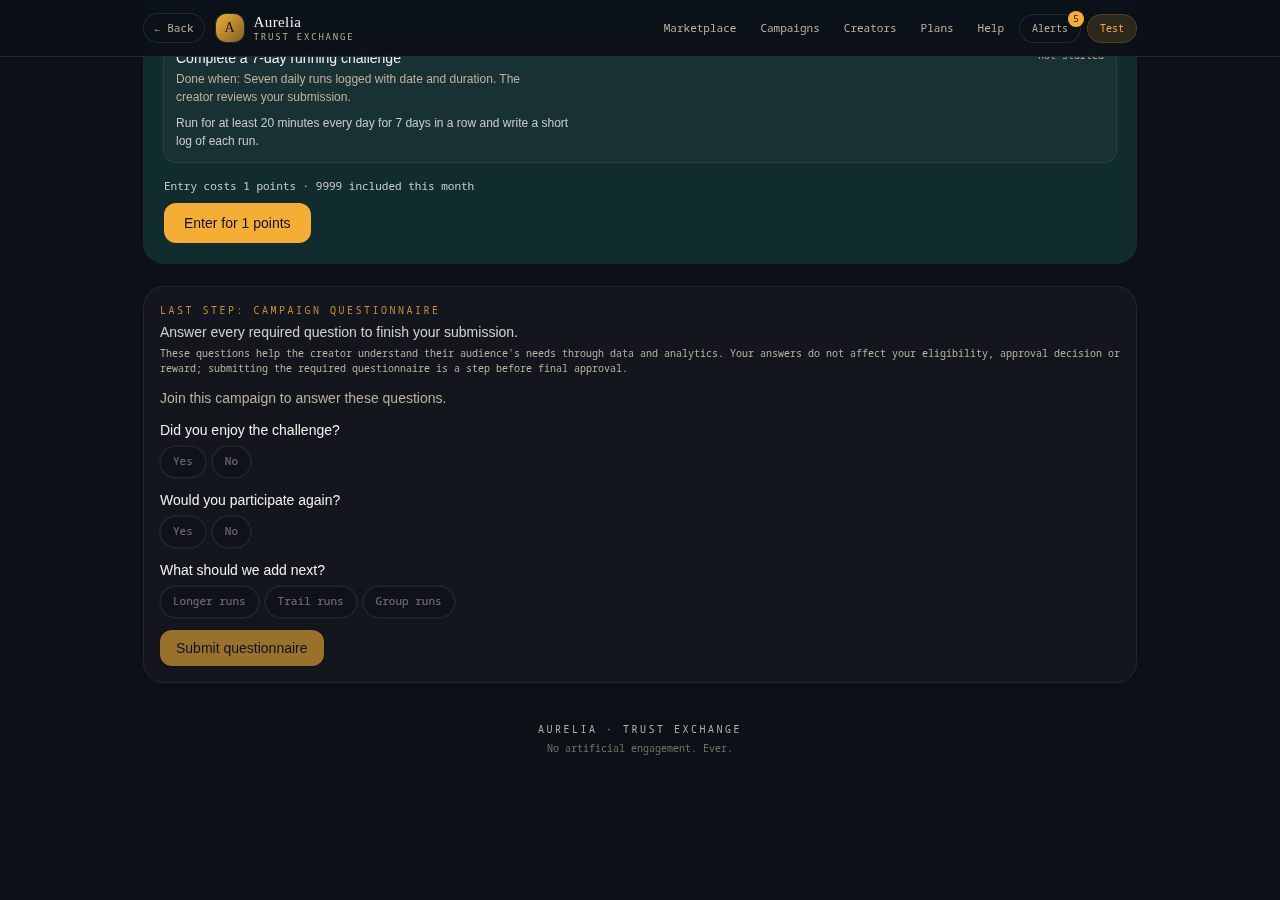
The campaign page shows the tasks, the reward, the places, the dates and the join button.
- Title, picture and creator
- Description of what the campaign is about
- Social link. A gold button opens the creator's reel or video
- Tasks you need to complete
- Reward and how it's given: to everyone who finishes, or by random draw at the end
- Places left and closing date
- Questionnaire, if the creator added one
Tip. If the reward says winners are drawn at the end, nobody receives it while the campaign runs. Winners are picked at random from everyone who finished.
Related articles
Was this helpful?